



![Uart Serial HMI GPU LCD [Size] - Image 1](https://www.electrodragon.com/wp-content/uploads/2016/05/edgpu-03-560x560.jpg)
![Uart Serial HMI GPU LCD [Size] - Image 2](https://www.electrodragon.com/wp-content/uploads/2016/05/Uart-Serial-GPU-LCD-400x400.jpg)
![Uart Serial HMI GPU LCD [Size] - Image 3](https://www.electrodragon.com/wp-content/uploads/2016/05/Uart-Serial-GPU-LCD-02-400x400.jpg)
![Uart Serial HMI GPU LCD [Size] - Image 4](https://www.electrodragon.com/wp-content/uploads/2016/05/Uart-Serial-GPU-LCD-03-400x400.jpg)
![Uart Serial HMI GPU LCD [Size] - Image 5](https://www.electrodragon.com/wp-content/uploads/2016/05/Uart-Serial-GPU-LCD-04-400x400.jpg)
![Uart Serial HMI GPU LCD [Size] - Image 6](https://www.electrodragon.com/wp-content/uploads/2016/05/Uart-Serial-GPU-LCD-05-400x400.jpg)
![Uart Serial HMI GPU LCD [Size] - Image 7](https://www.electrodragon.com/wp-content/uploads/2016/05/edgpu-02-400x400.jpg)
![Uart Serial HMI GPU LCD [Size] - Image 9](https://www.electrodragon.com/wp-content/uploads/2016/05/edgpu-04-400x400.jpg)
![Uart Serial HMI GPU LCD [Size] - Image 10](https://www.electrodragon.com/wp-content/uploads/2016/05/edgpu-05-400x400.jpg)
![Uart Serial HMI GPU LCD [Size] - Image 11](https://www.electrodragon.com/wp-content/uploads/2016/05/edgpu-06-400x400.jpg)
![Uart Serial HMI GPU LCD [Size] - Image 12](https://www.electrodragon.com/wp-content/uploads/2016/05/edgpu-07-400x400.jpg)
![Uart Serial HMI GPU LCD [Size] - Image 13](https://www.electrodragon.com/wp-content/uploads/2017/09/EDGPU-commands-short-400x400.png)
Uart Serial HMI GPU LCD [Size]
Price range: $7.30 through $24.10
- Description
- Additional information
- Reviews (3)
- Enquiry2
Description
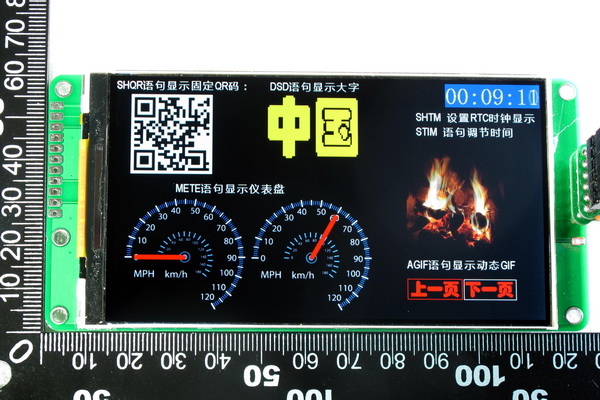
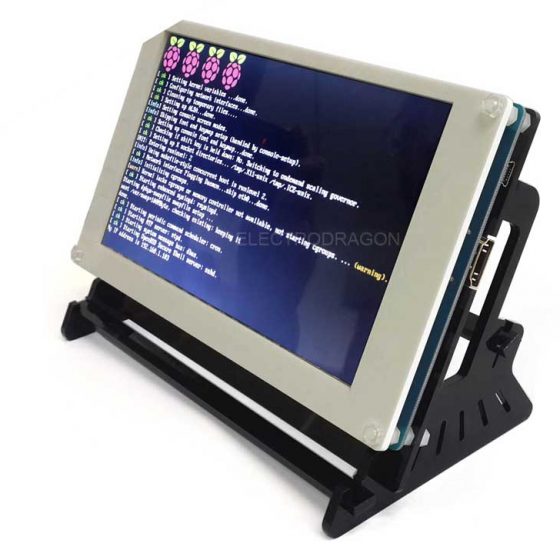
- Send pre-build commands via uart serial port, including text string, images, graph, very easily
- Simple uart serial communication, only 5V, GND, TX line needed
- More competitive price
Three size available:
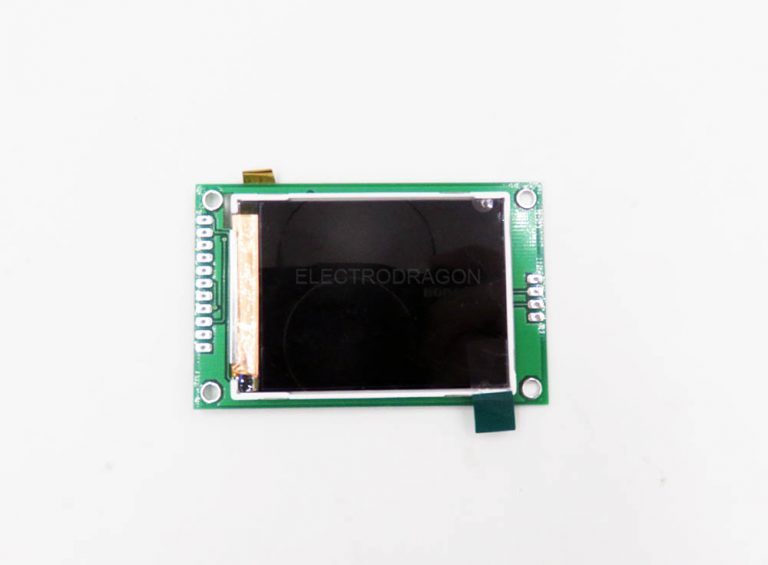
| 2.2” | 320×240 | with PCB back board | No Touch |
| 2.8” | 400×240 | with PCB back board | No Touch |
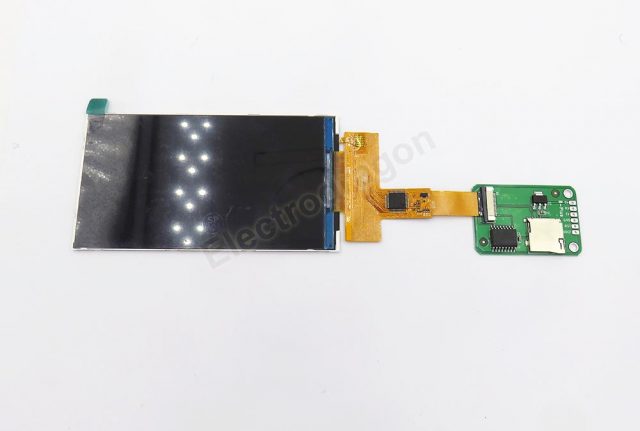
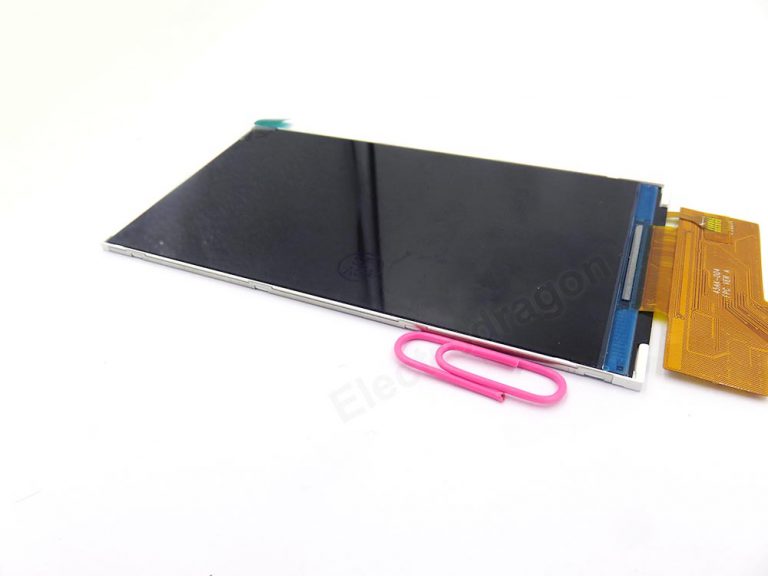
| 4.5”A
(similar IPhone6 screen size) |
IPS 854×480 | no PCB back board | No Touch |
Notice for 4.5” LCD:
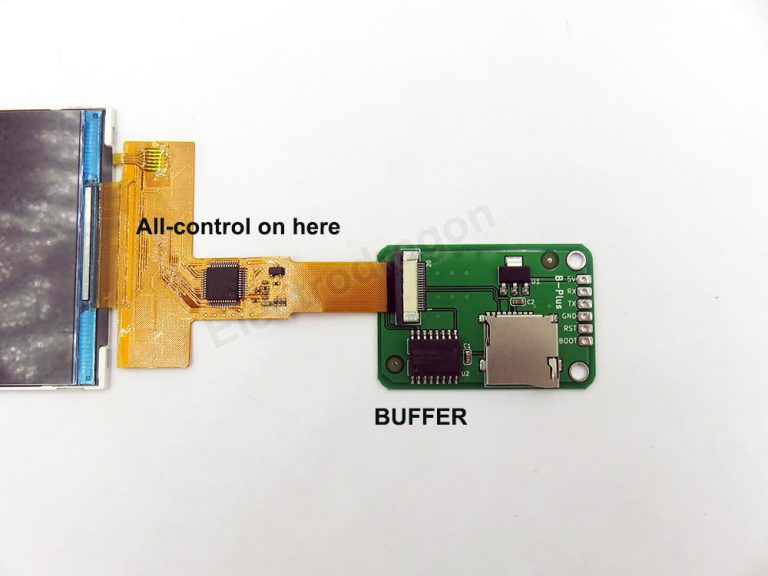
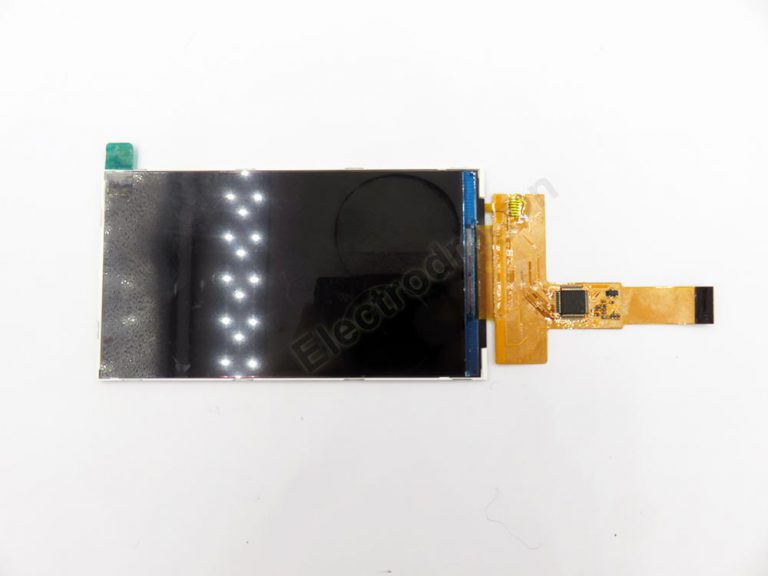
This is new stock, NO PCB back board anymore, control is on FPC cable, a few extra misc on small breakout board which you can integrated to your PCB main board later, more good for embedded project.
Documentation
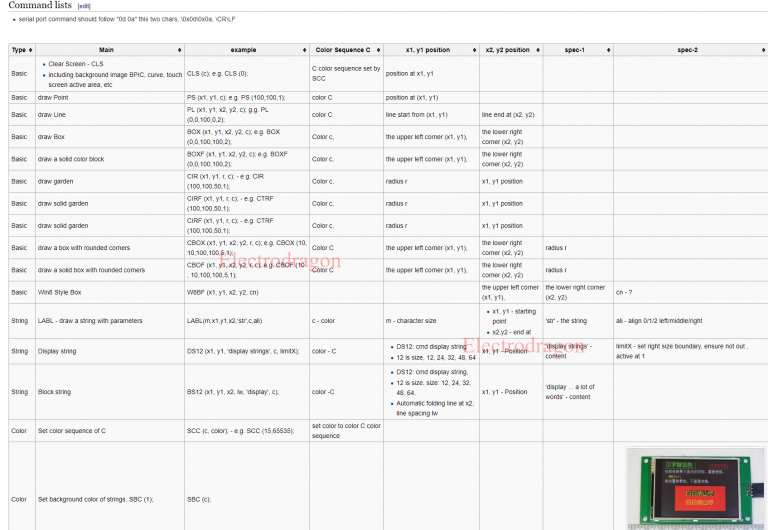
- This is a very powerful screen, equip with STM32 control, BUT the translation work of the manual is a lot of work, we are still working on the documentation, so say we only support the basic function of this.
- Documentation please see on this page.
- Serial debugger display project see project code here.
Demo
Additional information
| Weight | N/A |
|---|---|
| Size | 2.2'' – 320×240, 2.8'' – 400×240, 4.5'' – 854×480 (IPS screen) |
![Raspberry Pi LCD Display w/touch [Size]](https://www.electrodragon.com/wp-content/uploads/2015/07/Raspberry-Pi-5-LCD-Display-wtouch-13-560x560.jpg)
![EDS TFT LCD Display LCM, SPI SD-Card Touch, 1.8~4.0'' [Size]](https://www.electrodragon.com/wp-content/uploads/2013/10/EDS-2.4-TFT-LCD-02-560x560.jpg)
![Nextion HMI TFT Intelligent LCD Touch Display Module [Size]](https://www.electrodragon.com/wp-content/uploads/2016/03/nx4024t032_1_-400x400.jpg)


narioinc89 (verified owner) –
Super powerful functionality with the gpumaker software combined. Had to dig deeper into google to find out better documentation for this screen, but nonetheless works as described.
Borislav Lovosevic –
Why the documentation is not accessible?
Trying to access “https://www.electrodragon.com/w/EDGPU” I get:
“EDGPU->view
Access restrictions were established for this page. If you see this message, you have no access to this page”
I get the same message on many other documentation pages too.
Chao (store manager) –
Dear customer,
Some wiki page info for customer only, not accessible for not login user, please send an email to in**@***********on.com, or check we already sent the login info with tracking info email. Thanks.